
Free Background Maker: A complete guide to transform your visuals into a masterpiece and learn to create unique backgrounds that captivate and engage your audience!
Craft Custom Backgrounds Effortlessly with Adobe Express
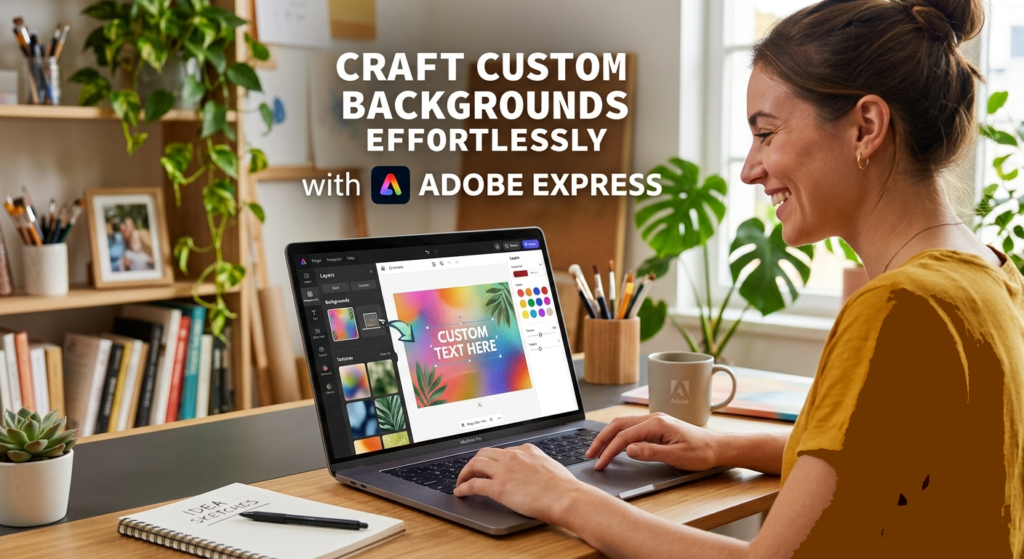
A background maker is a tool that is designed to create, edit, remove, or replace the backdrop of an image automatically. As today’s first impressions are made in the blink of an eye, having a fascinating background is important for capturing others’ attention. Many content creators struggle with finding the best visual context for their ideas.
Imagine transforming any idea into an amazing visual with just a few clicks. Adobe Express makes it more than possible. This article will explain how to create custom backgrounds that require no design experience. These simple techniques will save you time and enhance your creativity, ensuring your visuals stand out from the crowd.
Background Maker: A Complete Guide to Launch Your Design Journey in Seconds
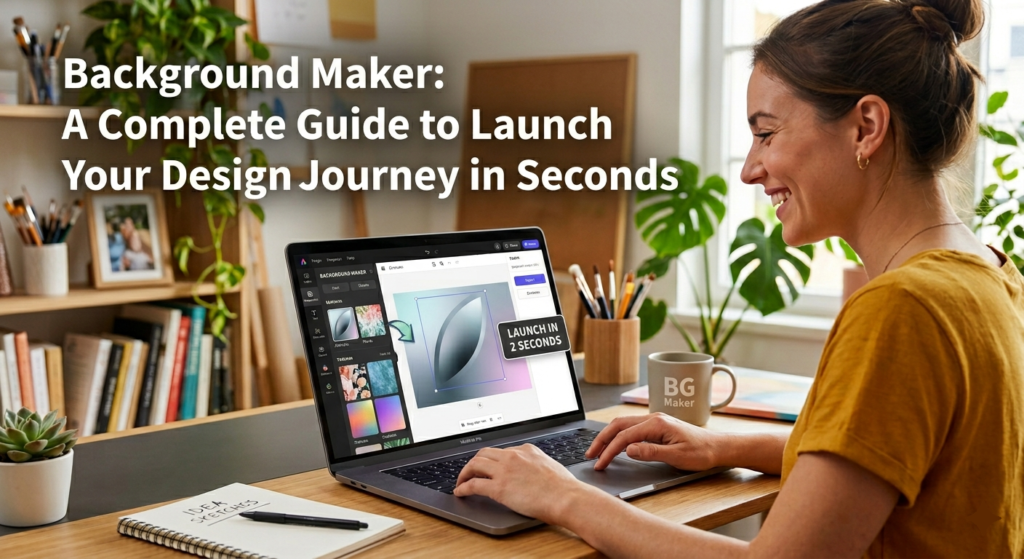
Background maker allows you to launch your design journey in just a few seconds, making it essential for all types of designers, whether they are professionals or beginners, because Adobe Express has built-in AI to create awesome designs. You can launch your design in the following steps:
- Open Adobe Express
- There will be hundreds of free background templates available. Select your favourite template.
- Now replace your image or video with the one you want to design in that template.
- Edit your design according to your needs, or simply type text, and AI will do it for you.
- Now export or print out your design.
Harness Generative AI for Limitless Customization
With advancements in AI, tools are revolutionizing the way we approach design. Imagine being able to create a unique background that perfectly aligns with your project without spending too much time on each element. Generative AI algorithms analyze countless designs and styles, enabling all types of users to customize in real-time with no time wasted.
AI lies not only in its speed but also in its ability to provide many variations as you want. Users can input specific preferences like color palettes, textures, or design patterns. This level of customization encourages designers, marketers, and content creators to experiment fearlessly, enhancing their abilities. As a result, today Adobe Express becomes more than just a design tool; it transforms your idea into an amazing experience.
Export, Share, and Integrate Without Hassle
After all your customization and design creation, you can edit your design after the final look. You can also export your design in different types of file formats like JPG, PNG, PDF, and also the Adobe file format in seconds and with ease. Your design can be shared via links with the teams or the person you are working with, and it can also be integrated in just a second. Adobe Express provides full ownership and no watermark for your design.
Why Adobe Express is the Go-To Background Maker
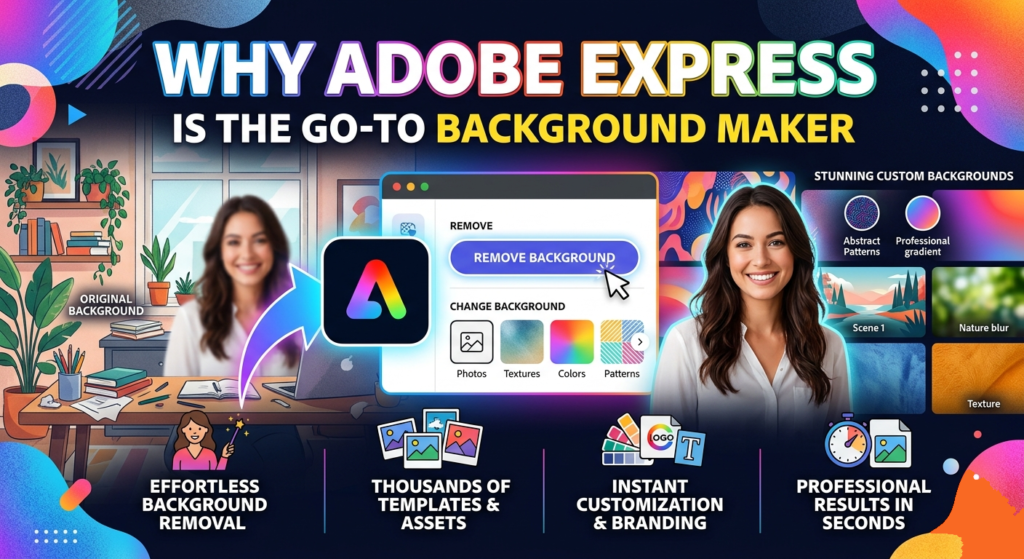
Adobe Express stands out as the final background maker because it is a user-friendly design with powerful creative tools. Its interface also allows beginners to craft amazing backgrounds in minutes, which makes it an essential asset for everyone. With hundreds of templates and customizable options, users can experiment with colors, textures, and patterns, ensuring their designs align with brand identity and personal style.
One of the amazing features of Adobe Express is its AI integration, which enhances efficiency and creativity. The AI-driven suggestions not only streamline the design process but also inspire users to think outside the box. This empowers users to create unique content that fascinates audiences.
Elevate Your Designs with Proven Strategies
Elevate your designs with Adobe Express background maker by using a vast library of templates. Whether you’re crafting social media posts, presentations, or marketing materials, the drag-and-drop functionality allows for quick adjustments that keep your workflow efficient and enjoyable.
Inserting elements like cohesive color palettes and thematic fonts can significantly enhance your visual content. Adobe Express provides tools that not only offer smart suggestions but also enhance your creativity. Animations and effects can bring your designs to life, making them more engaging and shareable. By consistently applying these proven strategies, you can ensure your designs stand out in today’s crowded digital landscape. You can also learn how to design digital ads that suit your background from our blogs.
Frequently Asked Questions:
1. Do I need graphic design skills to use the Background Maker?
– No, Adobe Express is designed for users of all skill levels, making it accessible for beginners and professionals alike.
2. Can I upload my own images for background creation?
– Yes, you can upload your own images and use them as a base to create personalized backgrounds.
3. Is the Background Maker free to use?
– Adobe Express offers both free and premium features. Basic background creation can be done at no cost, but some advanced tools may require a subscription.
4. Can I use the backgrounds I create for commercial purposes?
– Yes, the backgrounds created using Adobe Express can be used for commercial projects, but check the licensing terms to ensure compliance.
5. What file formats can I save my backgrounds in?
– You can save your backgrounds in multiple formats, including JPEG, PNG, and PDF, depending on your needs.
6. Are there templates available for background creation?
– Yes, Adobe Express provides various templates to help you get started, which can be customized to suit your style.